OG Image Checker
Enter a website URL to see how your link will appear when shared on social media platforms like Facebook, Twitter, LinkedIn, and more.
Enter Website URL
How to Use
Enter the URL of the webpage you want to check in the input field above.
Click "Check OG Tags" to analyze the webpage's Open Graph meta tags.
Review the extracted meta tags and see how your link will appear on different social media platforms.
Use this information to optimize your website's Open Graph tags for better social media engagement.
Setting up your OG Image
Add the Open Graph meta tags to your HTML head section:
                            <meta property="og:title" content="Your Page Title">

                            <meta property="og:description" content="Your page description">

                            <meta property="og:image" content="https://yourdomain.com/path/to/image.jpg">

                            <meta property="og:url" content="https://yourdomain.com/your-page">
Create an image that's 1200x630 pixels for optimal display across all platforms.
Upload your image to your website and ensure it's publicly accessible via HTTPS.
Test your implementation using this handy tool.
Download OG Image Template
Use our template to create the perfect OG image for your website:
Download Template (1200x630px)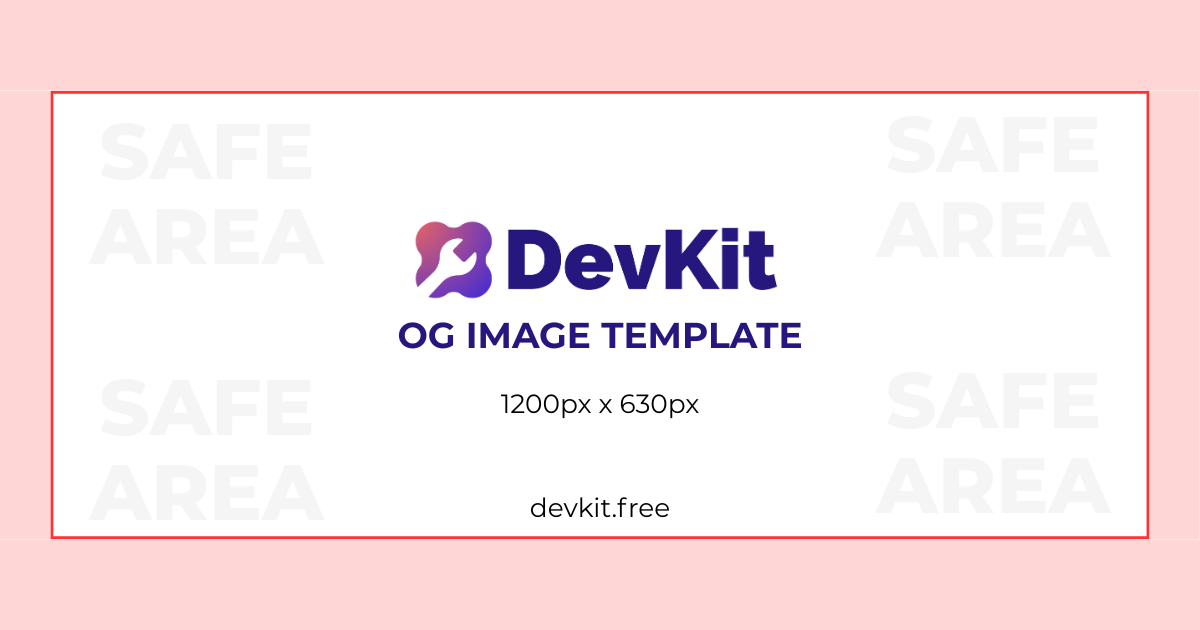
Add a comment